

Recur
A personal finance tool I designed and built from scratch, to actually see where my subscription spend was going.
Subscription Ledger
Why I built this
I kept losing track of my own subscriptions. Streaming, software, a couple of fitness apps, some cloud storage, all billed on different cycles, none of them showing up anywhere together. Your bank statement tells you a payment happened. It doesn't tell you that streaming alone is quietly costing more than your gym membership every month.
So I built Recur to answer one simple question honestly: where is this money actually going, every month, by category, without me having to do the math myself.
I didn't just design this one. I designed it, then sat down and built the whole thing myself, front to back.
What it does
A dashboard that tells you the truth Monthly spend, projected yearly spend, and a daily equivalent, so the number actually means something instead of sitting there abstractly.
Spend broken down by category A donut chart next to ranked category bars, so you can answer "what's actually costing me the most" in about two seconds.
Adding a subscription is fast and forgiving Name, cost, currency, billing cycle, category, renewal date, and a reminder window. Doesn't matter if something bills monthly, yearly, or weekly, everything gets converted to a fair monthly number behind the scenes so you're comparing like with like.
It reminds you before renewal, not after A dedicated section flags anything coming up inside its reminder window, with a clear "renews today" or "renews tomorrow" flag for anything urgent.
Nothing gets deleted by accident Remove a subscription and it moves to an Inactive tab instead of vanishing. You can restore it anytime. And before anything moves there, a confirmation modal spells out exactly what's about to happen, so there's no "wait, where did that go."
Sort and filter however you think Filter by Monthly, Yearly, Weekly, or All, and sort every group by cost, high to low or low to high.
A PDF report, one click Full summary, category breakdown, and complete subscription list, ready to save or hand off, without having to screenshot anything.
A simple personal profile Email and password, so the app feels like it's yours on a shared device.
Try it yourself
Personal projects
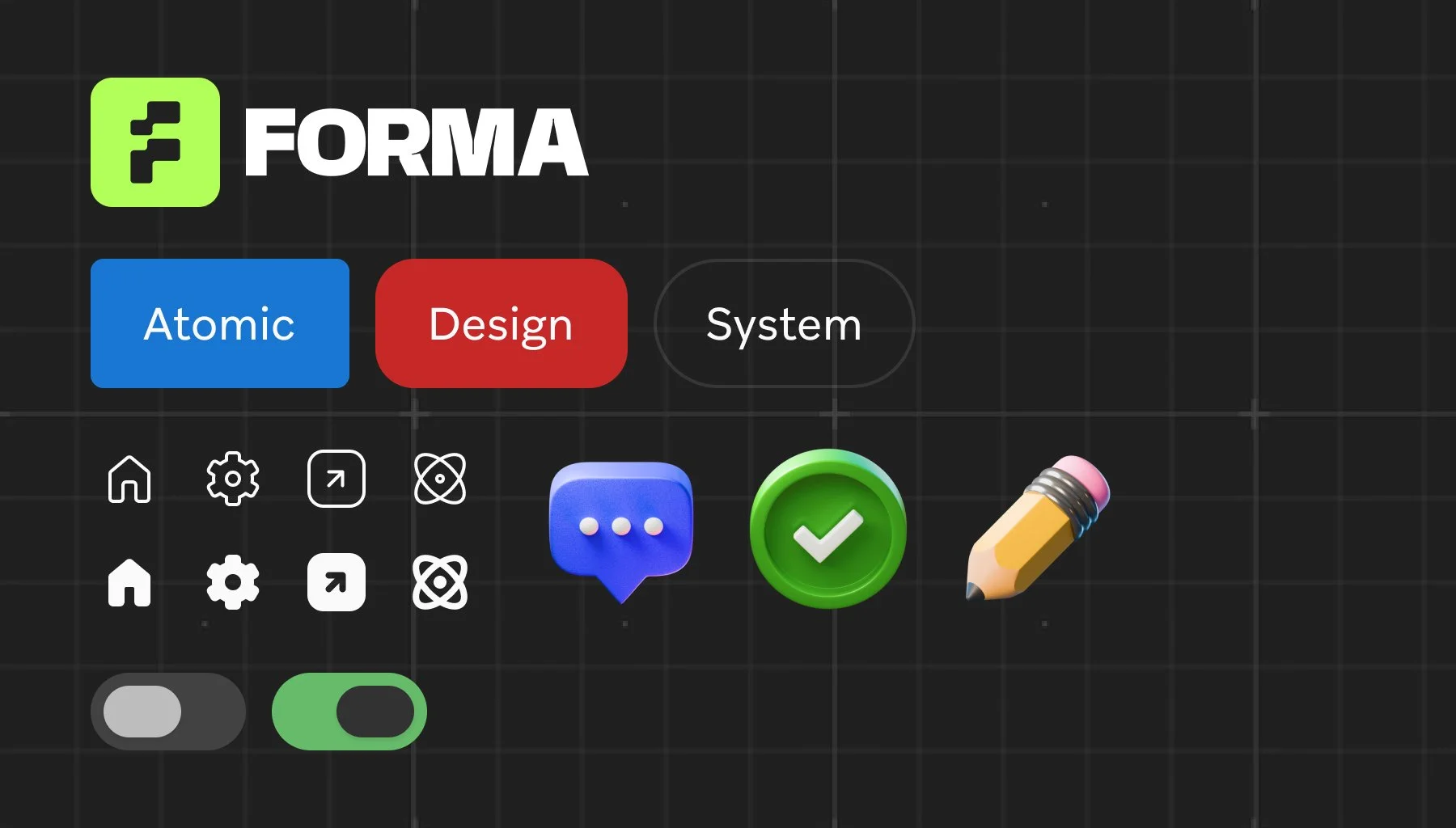
Forma Atomic Design System
Atomic design is a methodology for creating design systems that emphasises breaking down user interfaces into their fundamental components and then assembling them into more complex structures. This approach, proposed by Brad Frost, draws an analogy from chemistry to describe how components can be combined to build up an entire design system.
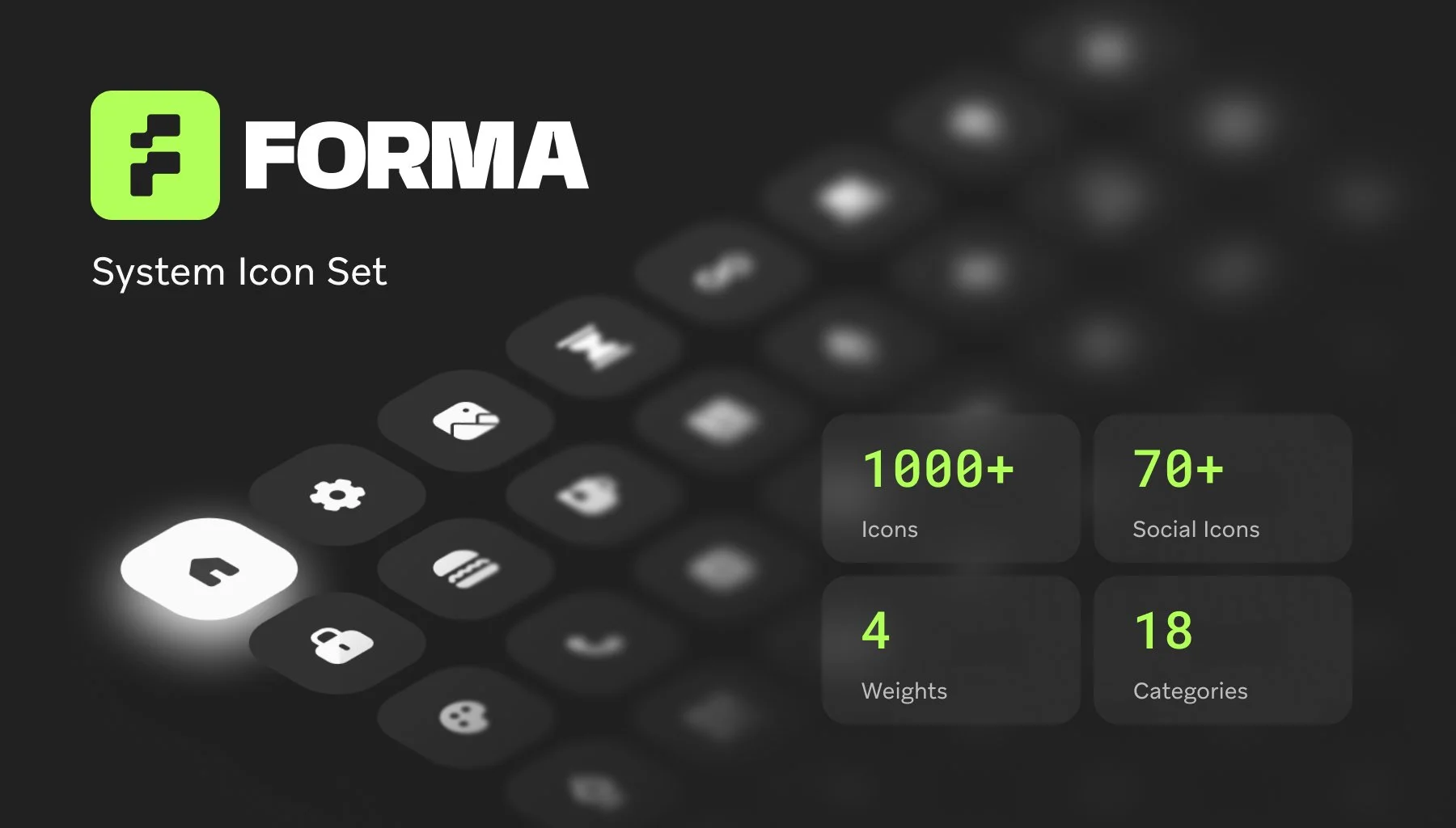
Forma System Icon Set
The Forma Icon Set is a meticulously crafted collection of vector icons designed to enhance digital interfaces with clarity and consistency. Each icon in the set is built on a 24x24 pixel grid, ensuring uniformity and alignment across various applications. The icons feature clean lines and balanced proportions, making them versatile for use in web, mobile, and product design.
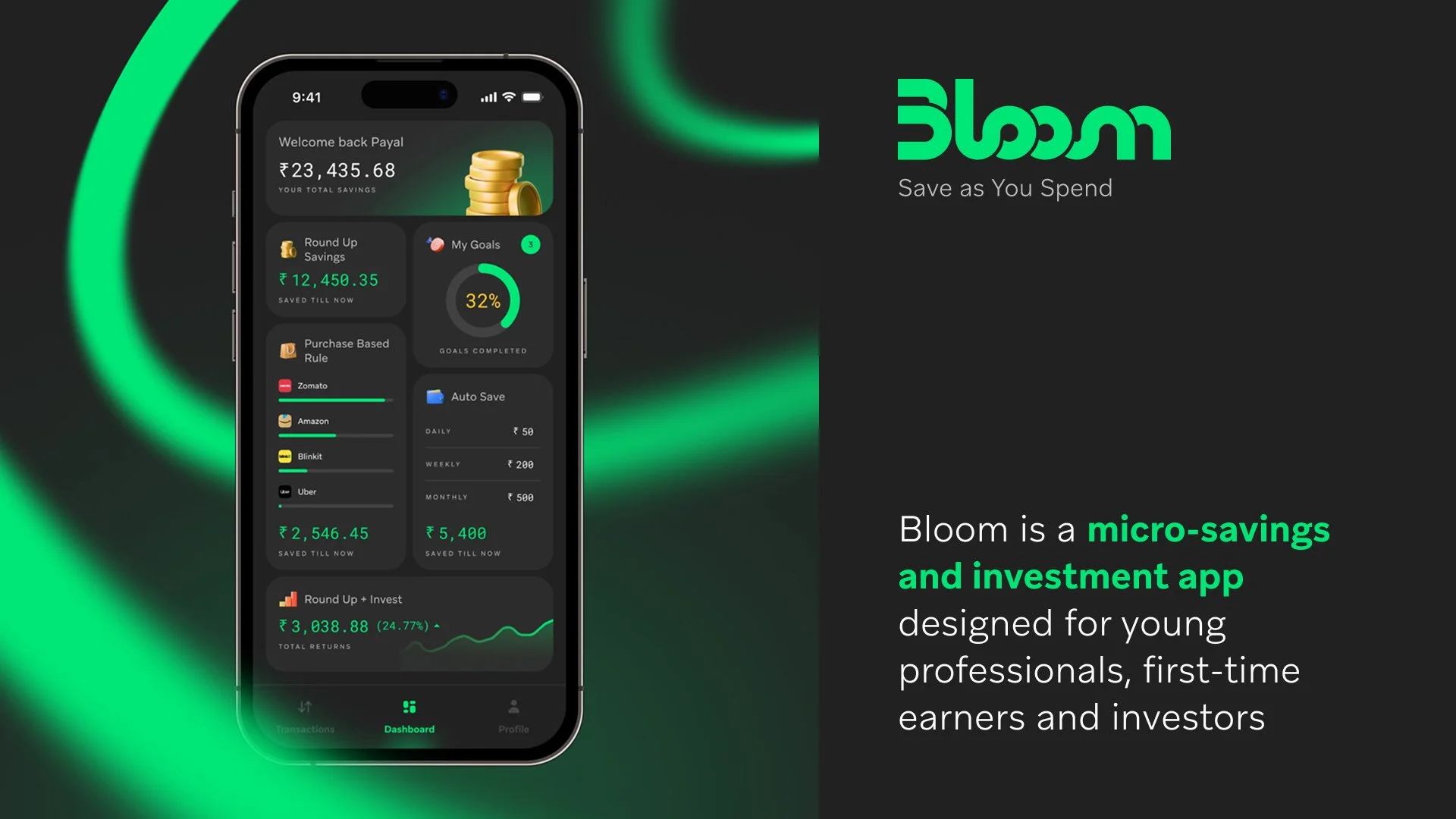
Bloom - Micro-savings App
Bloom is a micro-savings and investment app that helps users build wealth effortlessly. Every time you make a purchase, the app rounds up the spare change and invests it into safe, low-risk funds. Designed for young professionals and first-time investors, Bloom turns small daily transactions into long-term financial growth.